


How to Maximize Origin's Proactive AI Advisor — Getting the Most Out of It


When most people see their Health Score for the first time, they fixate on the number. That's understandable, but it's also the least useful thing to do with it.
The score is a summary. What matters is the breakdown underneath it — which domains are dragging it down, which checks are failing, and whether those failures are quick fixes or structural issues that take time.
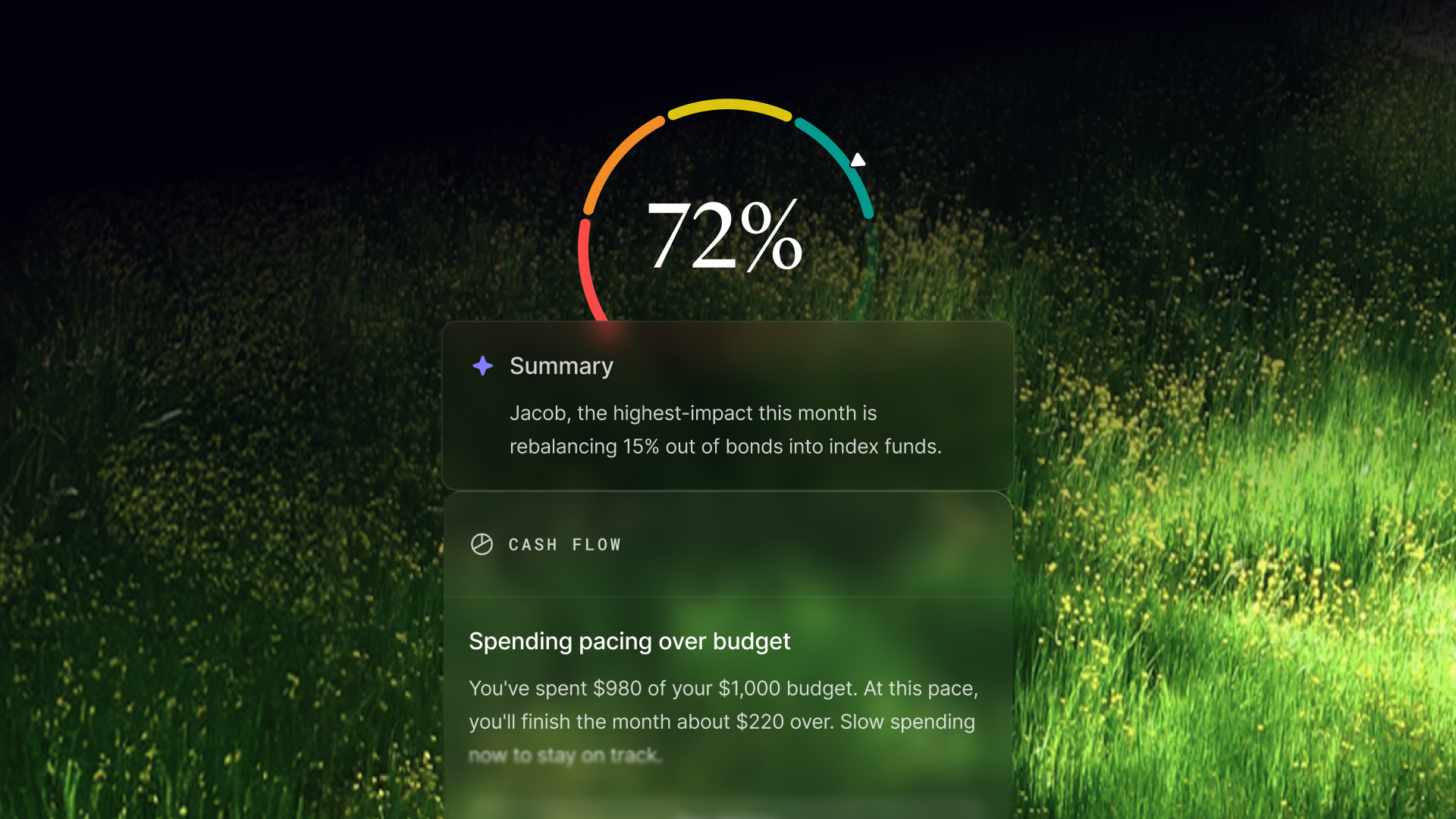
A score of 62 with most of the drag coming from estate planning is very different from a score of 62 with most of the drag coming from cash flow. The first one probably means you haven't gotten around to updating your will and beneficiary designations — annoying but fixable in an afternoon. The second one means your spending and income dynamics have a real problem. Treat them the same, and you'll optimize for the wrong things.
Before you do anything else, look at which domains are pulling your score down the most and start there. That's where the leverage is.
Triage Your Actions Like a Professional
The Actions list is where Origin converts monitoring into direction. Most people scroll through it and start at the top, which is fine — Origin does prioritize by impact. But a more deliberate approach gets you further, faster.
- Separate the quick wins from the structural work. Some Actions resolve in minutes — confirming an insurance policy you already have, updating a self-reported field, connecting an account that was missing. Others require actual behavioral change or financial moves that take time. Do the quick ones immediately. They improve your score, reduce the noise in your list, and let you focus on what actually needs sustained attention.
- Look for Actions that are connected. Financial checks don't exist in isolation. An off-track savings rate and an underfunded emergency fund are often symptoms of the same underlying cash flow issue. Resolving one without the other misses the point. When you see clusters of related Actions, treat them as a single problem to solve, not a list of boxes to check.
- Use the reasoning, not just the headline. Every Action detail page shows you the specific data behind the check — what threshold was missed, by how much, and what the impact on your score would be if it were resolved. That context tells you whether an Action is urgent, directional, or more of a "good to have." A savings rate sitting at 9.2% against a 10% threshold is worth noting. One at 3% is worth acting on now.
- Don't ignore the self-reported checks. It's tempting to skip past Actions that require you to confirm something manually — life insurance, disability coverage, estate documents. They feel less like "real" financial optimization and more like paperwork. But protection and estate checks carry real weight in your score, and more importantly, they represent actual gaps in your financial safety net that Origin can't verify from your transaction data alone. They're on your list for a reason.
Get More Out of the AI Advisor
The AI Advisor is the highest-leverage tool here and also the most underused, because most people treat it like a search engine — type a question, get an answer, move on. The better mental model is a financial advisor who has read every page of your financial history and is available right now.
- Ask about your Actions before you act on them. Before you make a move — rebalancing your portfolio, adjusting your 401(k) contribution, paying down a specific debt — ask the Advisor to walk through the tradeoffs in your specific situation. It knows your income, your balances, your goals, and your timeline. The answer you get will be different from anything a generic financial blog could give you.
- Ask scenario questions. This is where the Advisor earns its keep. "What does my retirement picture look like if I retire at 60 instead of 65?" "If I put an extra $500 a month toward my mortgage, how does that change my debt-free date?" "What's the tax implication of selling this position?" These are the questions people used to need an appointment and a $300/hour fee to get answered. Ask them.
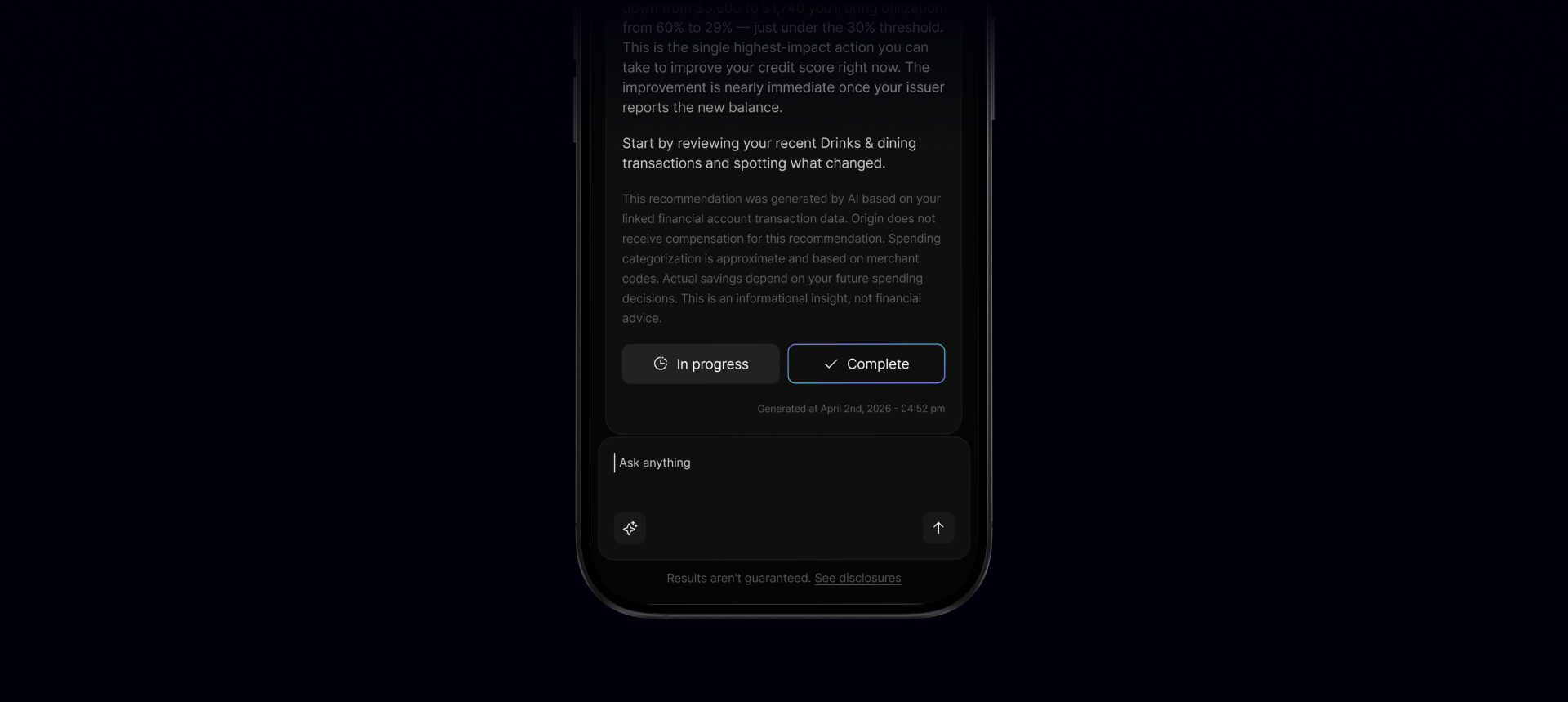
- Ask it to explain your score. "Why did my score drop this month?" is a completely valid question, and the Advisor can walk you through exactly what changed and why. Same with "what's the single highest-impact thing I can do to improve my score right now?" You'll get a specific answer, not a general one.
- Use it to pressure-test decisions you've already made. Already bought the house, already took the job, already opened the account? Ask the Advisor how that changes your picture. It's not going to judge you — it's going to tell you what adjustments make sense given where you are now.
- Follow the thread. The Advisor holds context across a conversation. Start broad, then narrow. "Walk me through my retirement readiness" → "okay, what if I increase my contribution by 3%?" → "and how does that interact with my current cash flow situation?" That chain of questions gets you somewhere genuinely useful.
Connect Everything You Can
Origin gets better the more it can see. A Health Score calculated from two connected accounts is less accurate than one calculated from eight. Checks that are in review because they're missing data aren't generating Actions that could actually help you.
The obvious ones — checking, savings, credit cards — are usually connected during onboarding.

The ones people miss:
- Investment and brokerage accounts. Without these, the entire investments domain is effectively dark. Concentration risk, expense ratio monitoring, risk-aligned allocation — none of it runs without holdings data.
- Retirement accounts. 401(k), IRA, Roth IRA. Origin needs to see these to evaluate whether your contribution rate is on track, whether you're leaving employer match on the table, and whether your account types are optimized for your income and tax situation.
- All credit cards, not just your primary one. Credit utilization checks run across all connected cards. If you have a card with a high balance that Origin can't see, your credit picture is incomplete.
- Any account your partner uses for shared expenses, if you're managing finances together. Origin supports household-level checks for things like cash flow and emergency fund coverage — but only if the accounts feeding those checks are actually connected.
Let the System Work Between Sessions
One of the more counterintuitive things about Origin's proactive monitoring is that the best way to use it isn't to open the app every day. It's to build a rhythm that matches how the monitoring actually works.
Most checks run on a monthly cadence — savings rate, budget adherence, cash flow, income trajectory. A few run more frequently, particularly the ones tied to market data or account balance thresholds. The notification system is specifically designed to surface the stuff that needs immediate attention, so if you're not getting a notification, there's a reasonable chance nothing urgent has changed.
A useful pattern: do a thorough review of your score and Actions once a month, use the AI Advisor proactively when you're facing a financial decision, and let notifications handle the rest. That's roughly what having a financial advisor on retainer used to look like — minus the scheduling and the hourly rate.
Think in Trajectories, Not Snapshots
Your Health Score at any given moment is less interesting than the direction it's moving over time. A score that goes from 58 to 71 over six months represents real financial progress — debt paid down, Actions resolved, gaps closed. A score that's been stuck at 74 for three months despite you thinking you've been making good decisions is worth interrogating.
Use the score as a feedback loop. When you make a financial move — increasing your savings rate, rebalancing your portfolio, adding insurance coverage — watch what happens to the relevant domain score over the following month. That feedback is how you learn which moves actually matter and which ones felt meaningful but didn't move the needle.
The goal, eventually, is a score high enough that Origin runs out of important things to flag. That's a good problem to have.
Answers to your questions
Yes. Origin offers partner access so you can manage your finances together at no additional cost. You’ll be able to filter transactions by member—making it easy to see which spending is yours and which belongs to your partner.

Yes. You can edit existing transactions and add new ones directly in Origin, so your records stay accurate and personalized.
Origin connects securely through trusted partners including Plaid, MX, and Mastercard.
Yes. Origin supports CSV uploads. You can upload a .csv file of your transactions, and we’ll import them into your account.
Yes. Your data is protected with bank-level security and advanced encryption. When you connect accounts through Origin, your login credentials are never shared with us. Instead, our partners generate secure tokens that let Origin access only the data you authorize—keeping your personal information private while enabling personalized insights.
Yes. You have full control to organize your spending in Origin. Transactions are automatically categorized by Origin, but you can always edit categories, add your own tags, and filter transactions however you like—so your spending reflects the way you actually manage money.